Mollis Airfield (LSZM / ex-LSMF) – Mid-1980s Vintage Era
Overview
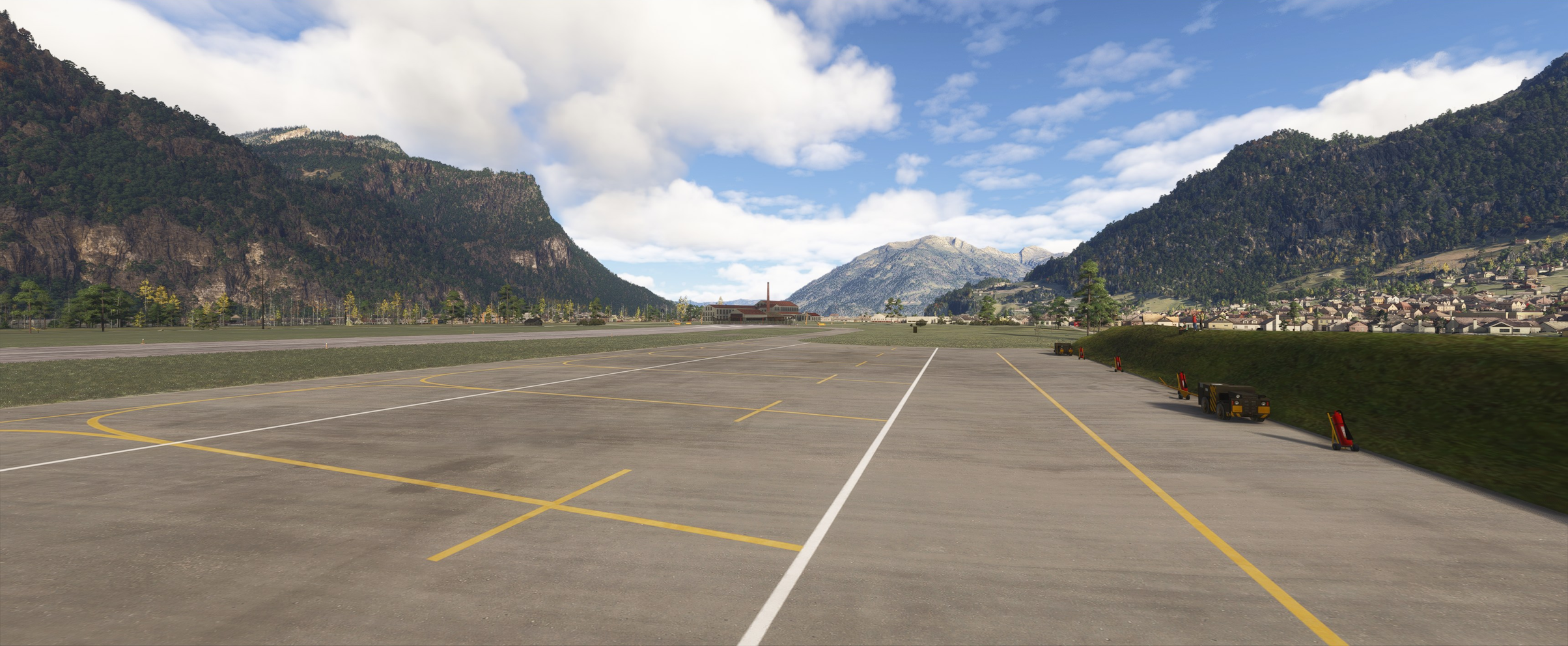
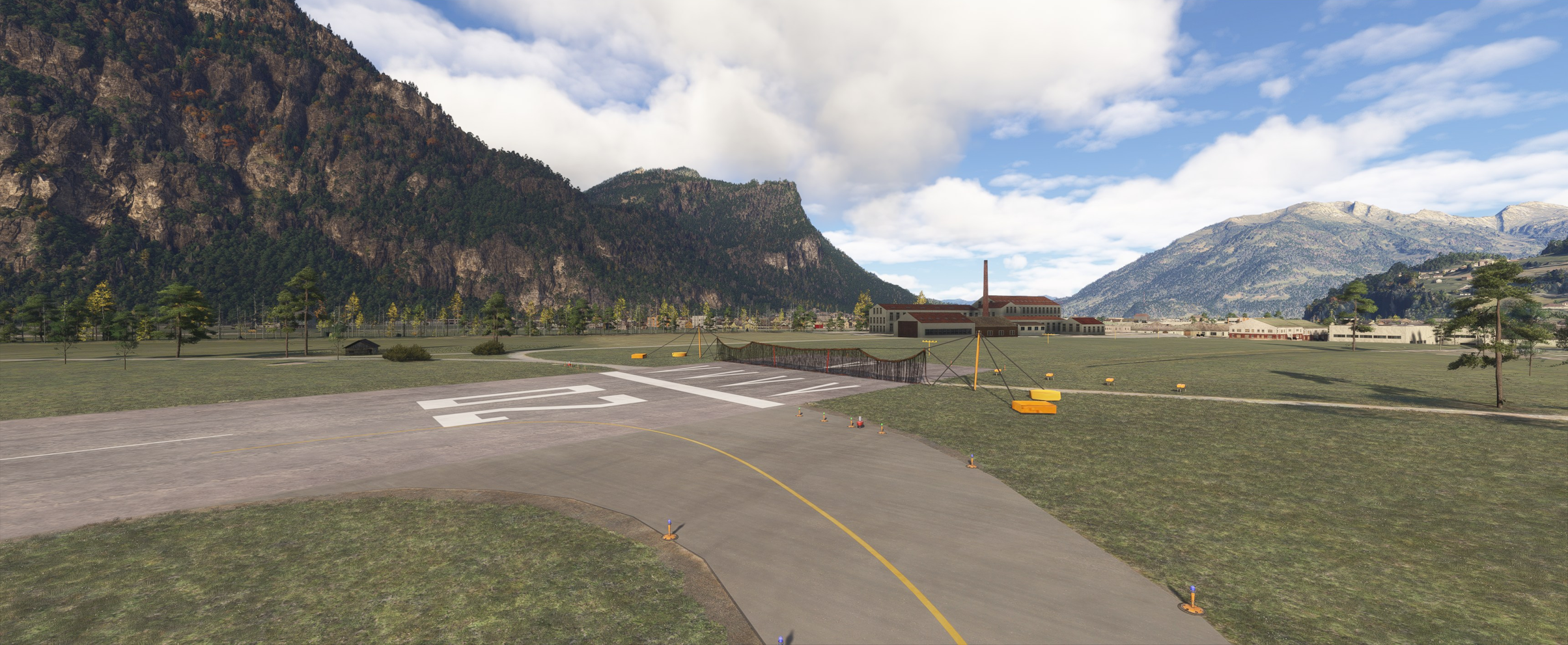
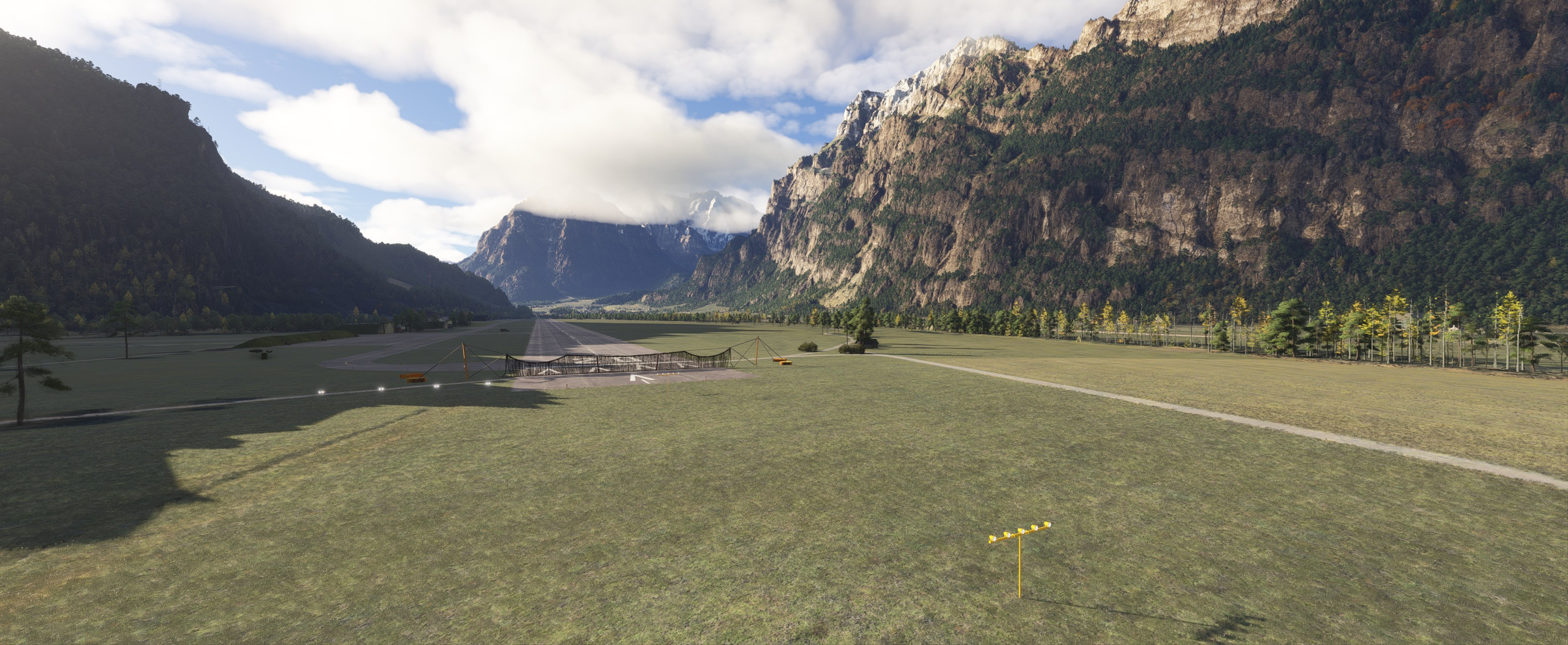
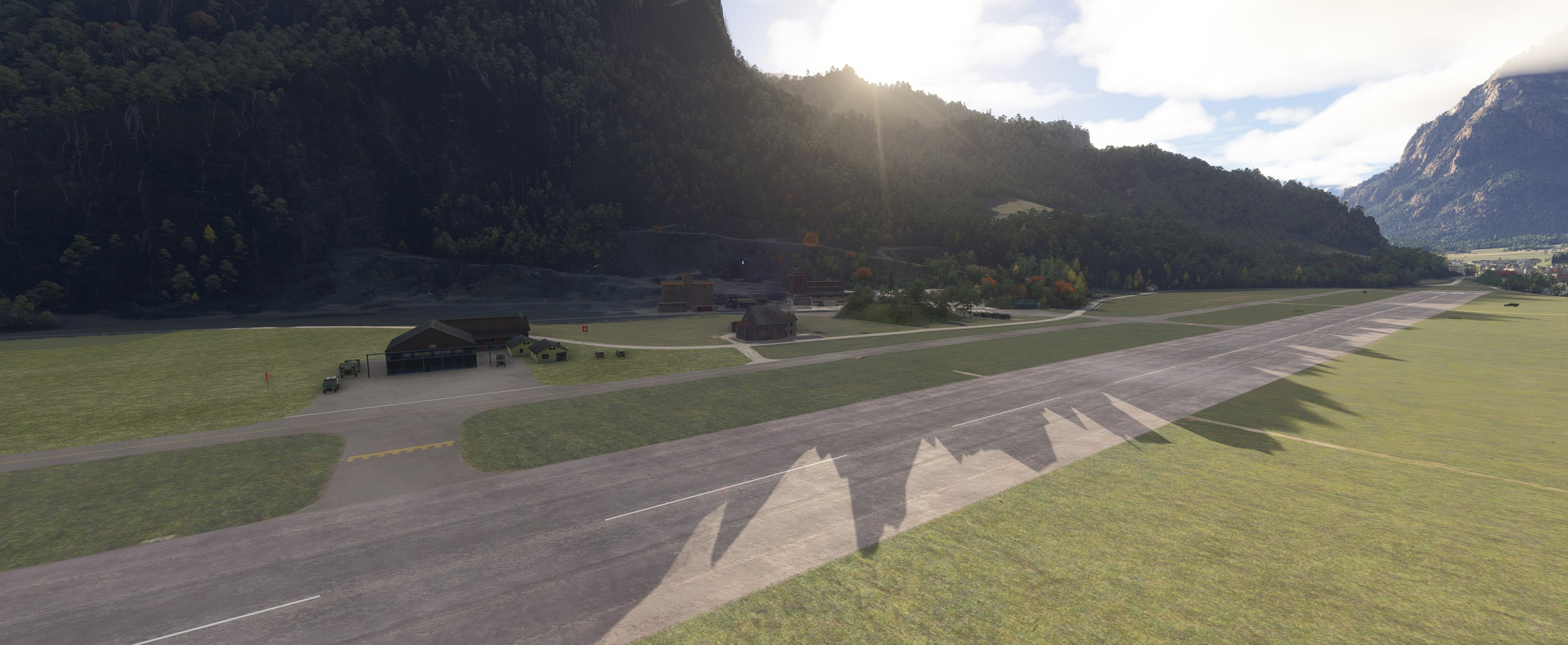
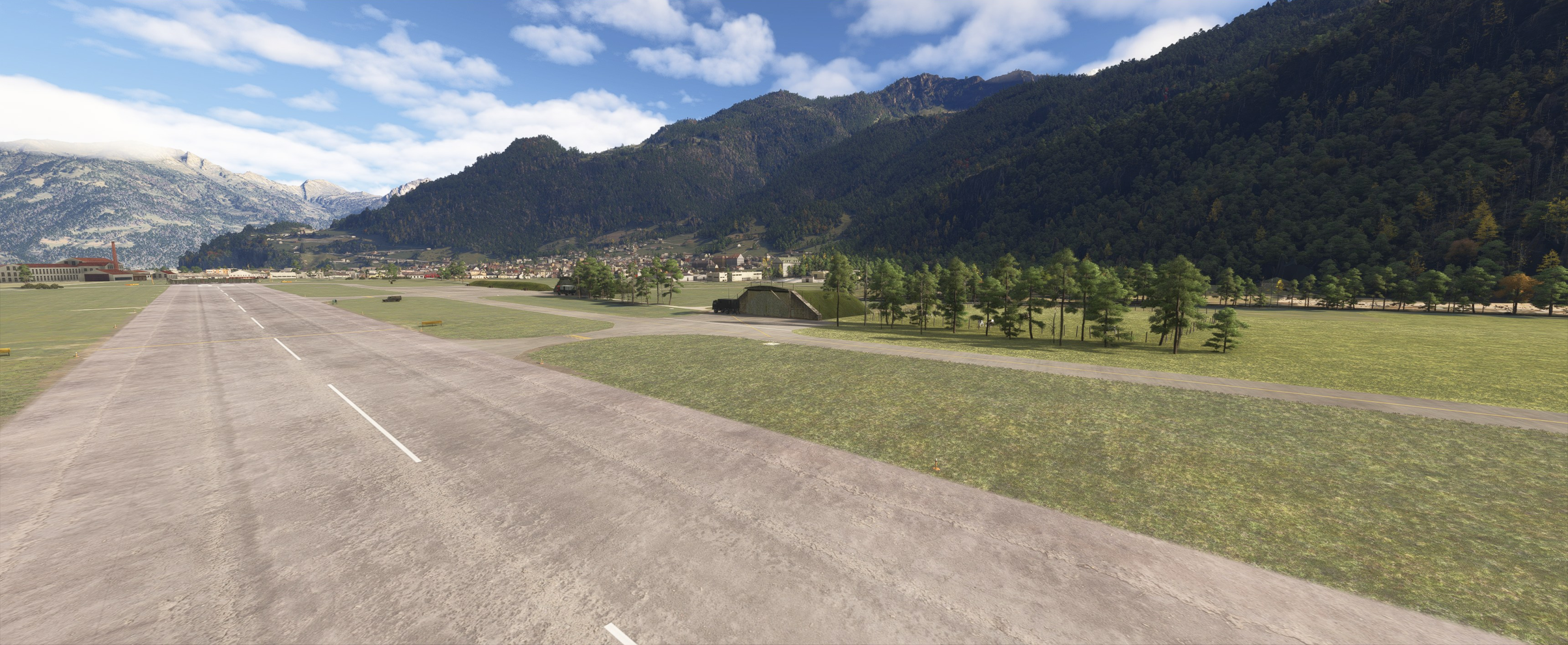
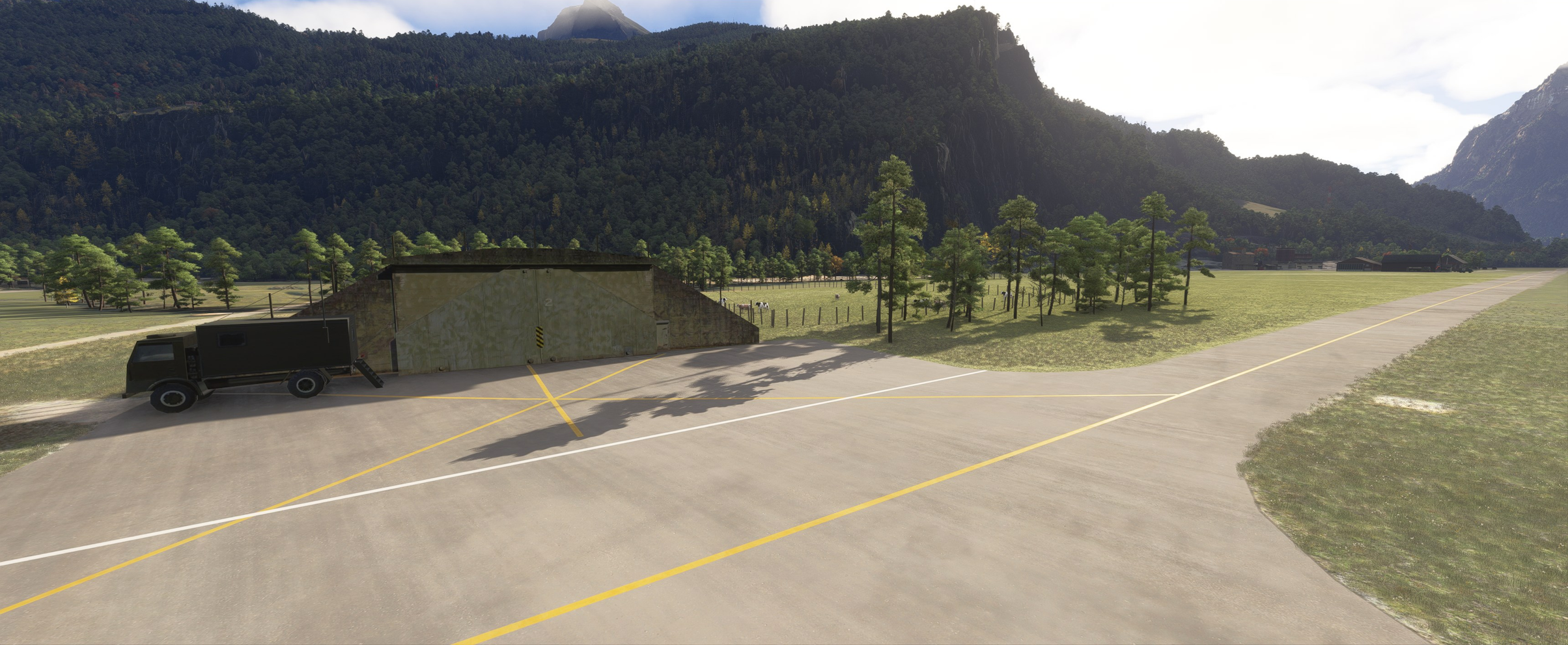
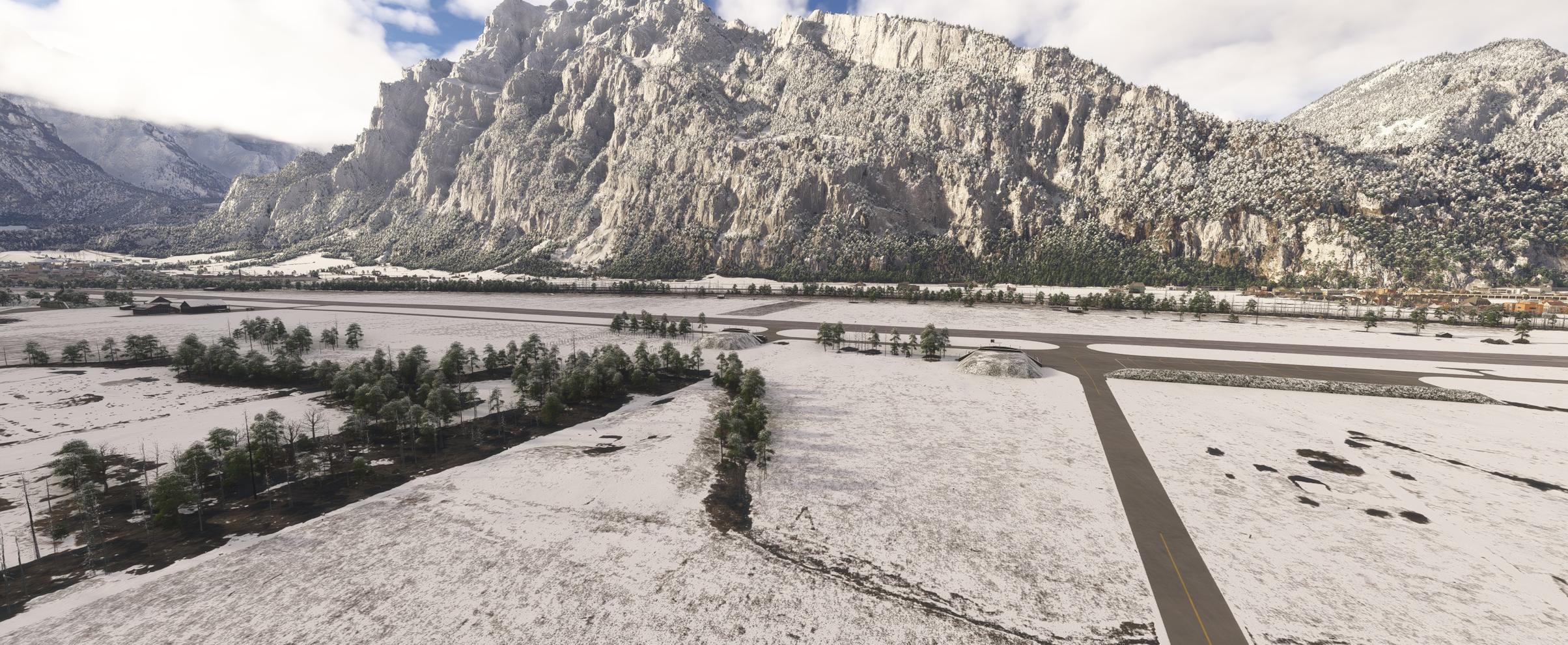
This add-on presents a detailed historical recreation of Mollis Airfield as it operated in the mid-1980s. Nestled within the dramatic Alpine landscape of the Glarus Alps, Mollis served for decades as a vital strategic redoubt airfield (Reduitflugplatz) and frontline dispersal base for the Swiss Air Force.
This scenery captures the airfield during the height of the Cold War era—specifically recreating the operational environment during the peak active military years of the Hawker Hunter in Swiss service.
ℹ️ ICAO Code Note: During its military operational years in the 1980s, Mollis was identified by the military ICAO code LSMF. It was later re-designated as LSZM following its transition to civil aviation. In Microsoft Flight Simulator 2024, you can search for and select this airfield using its current code LSZM.
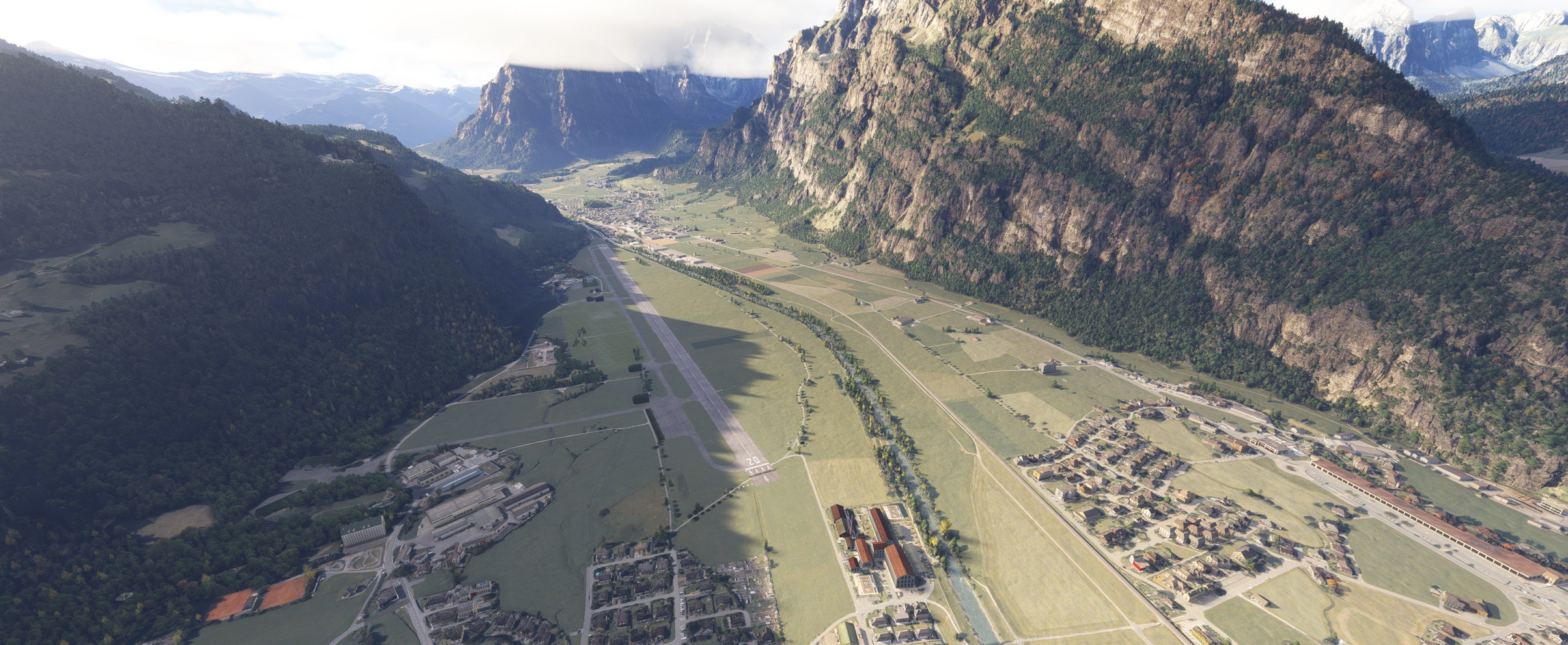
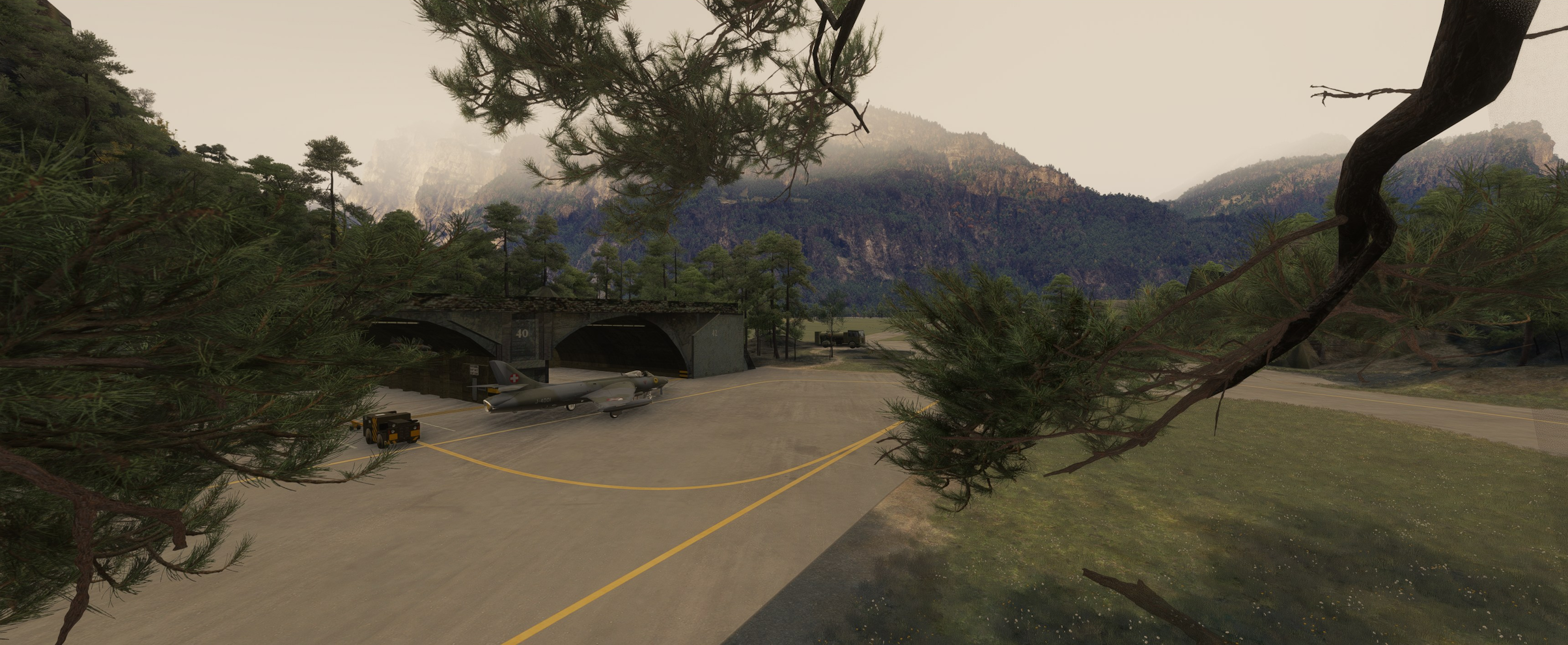
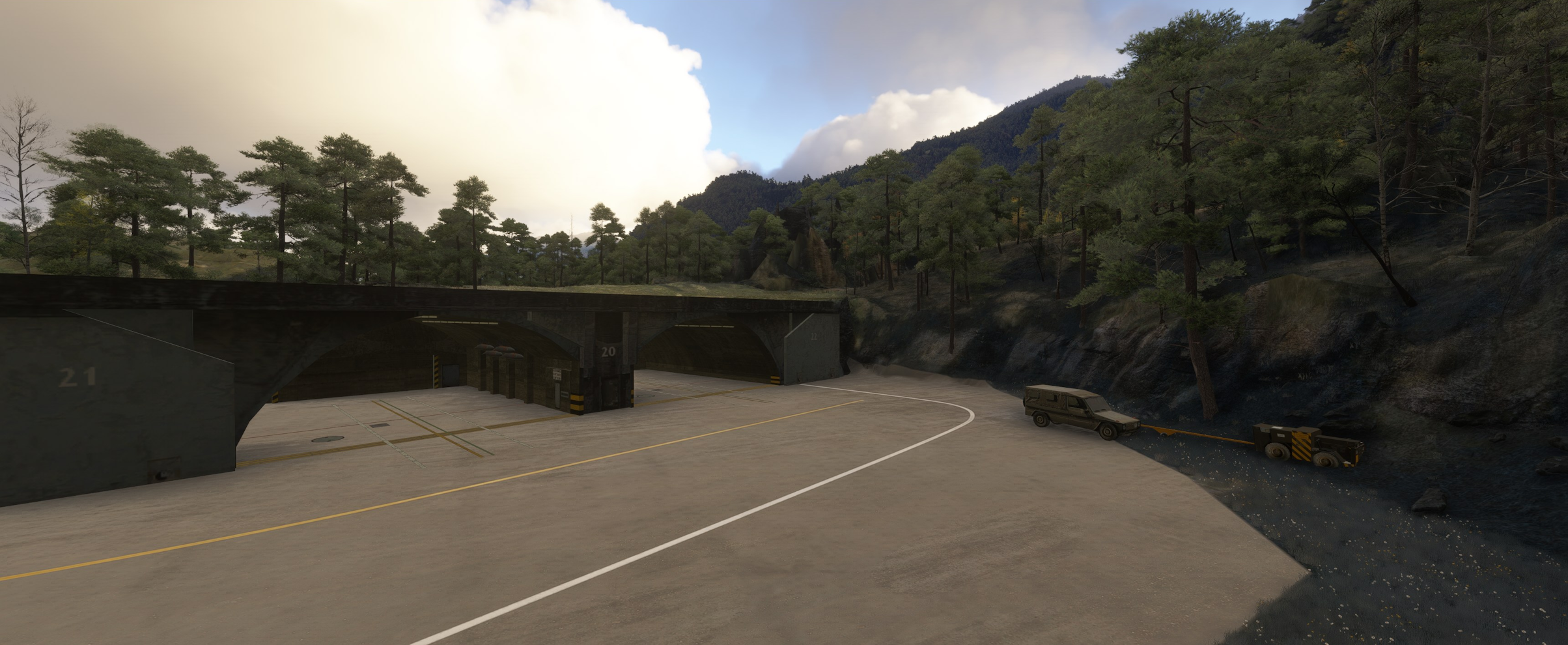
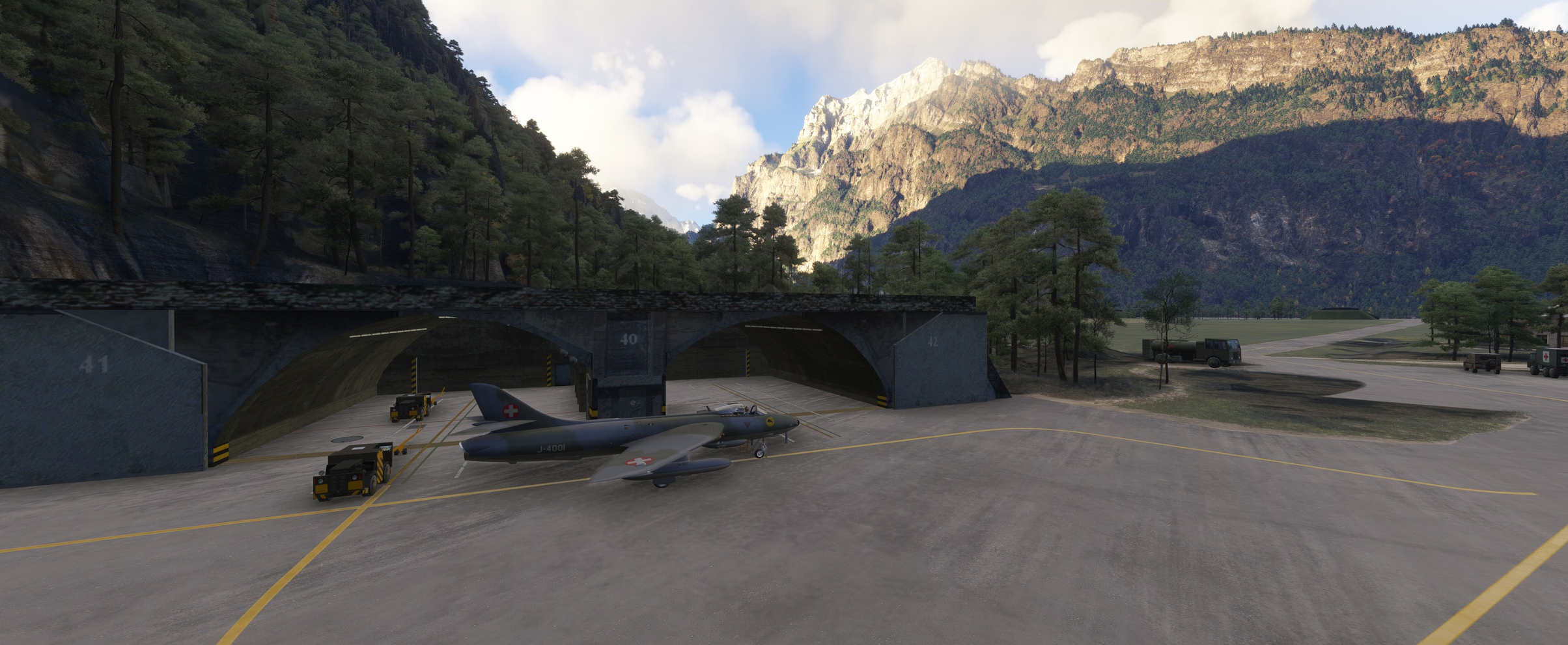
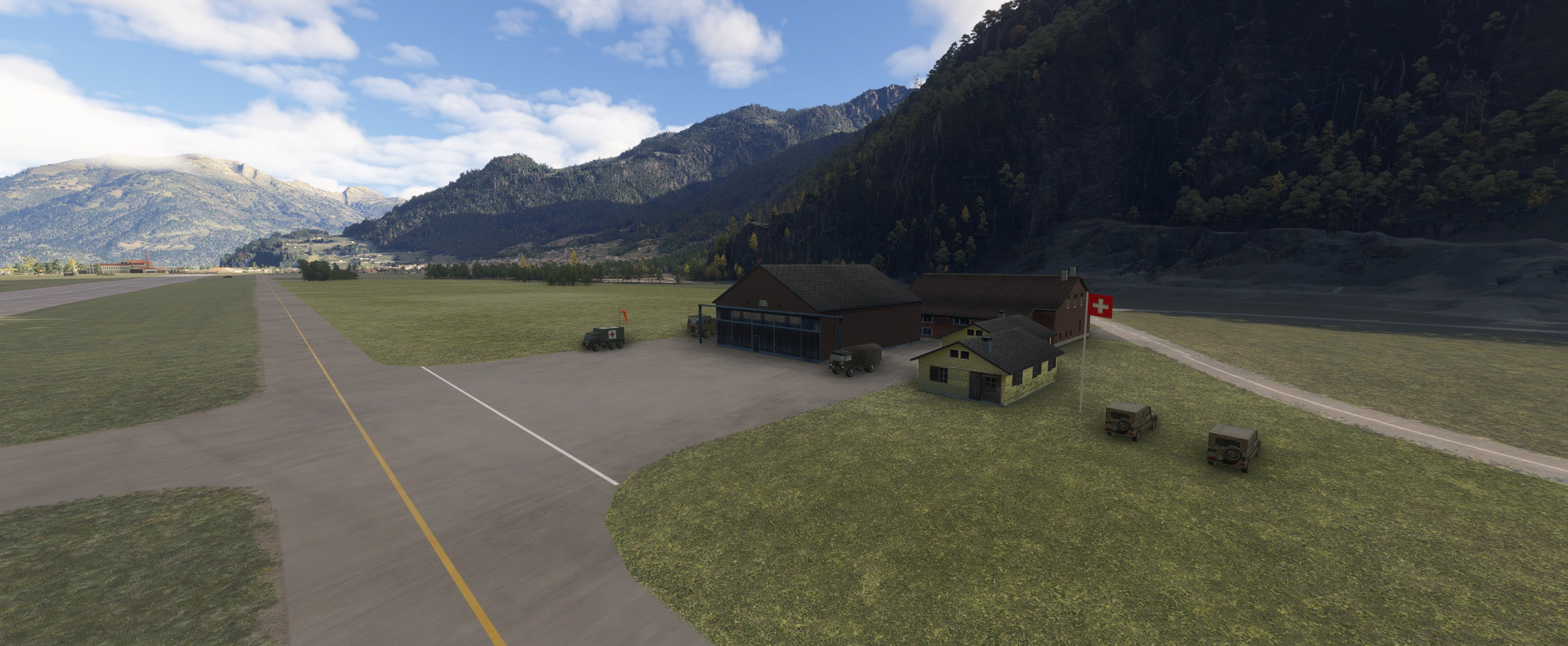
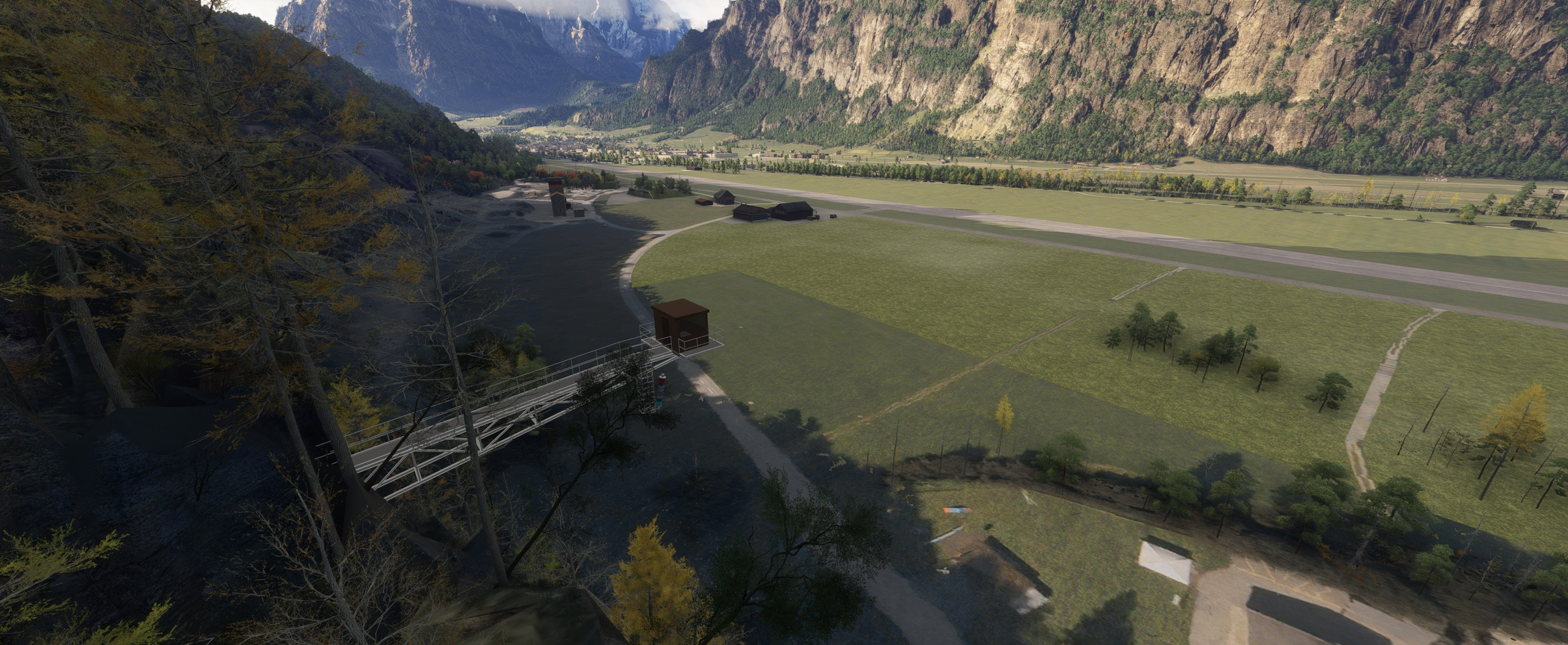
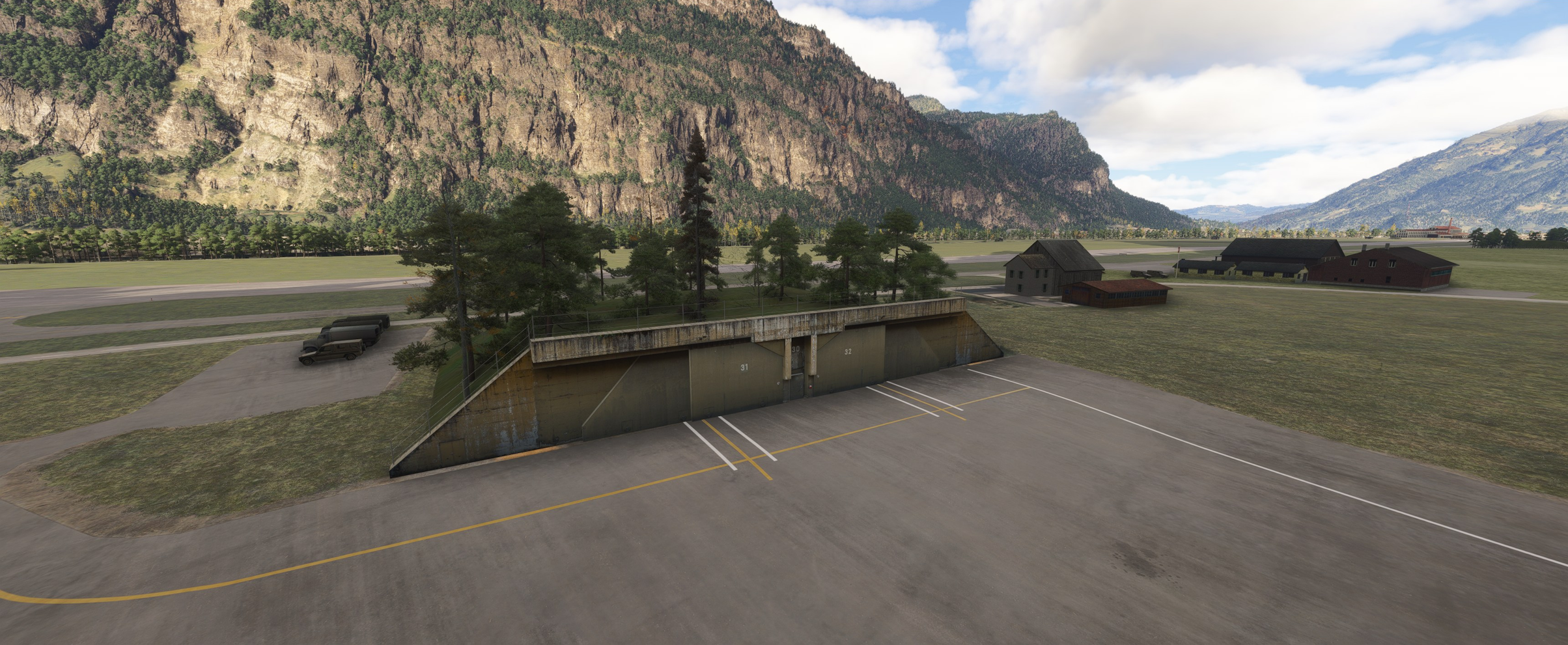
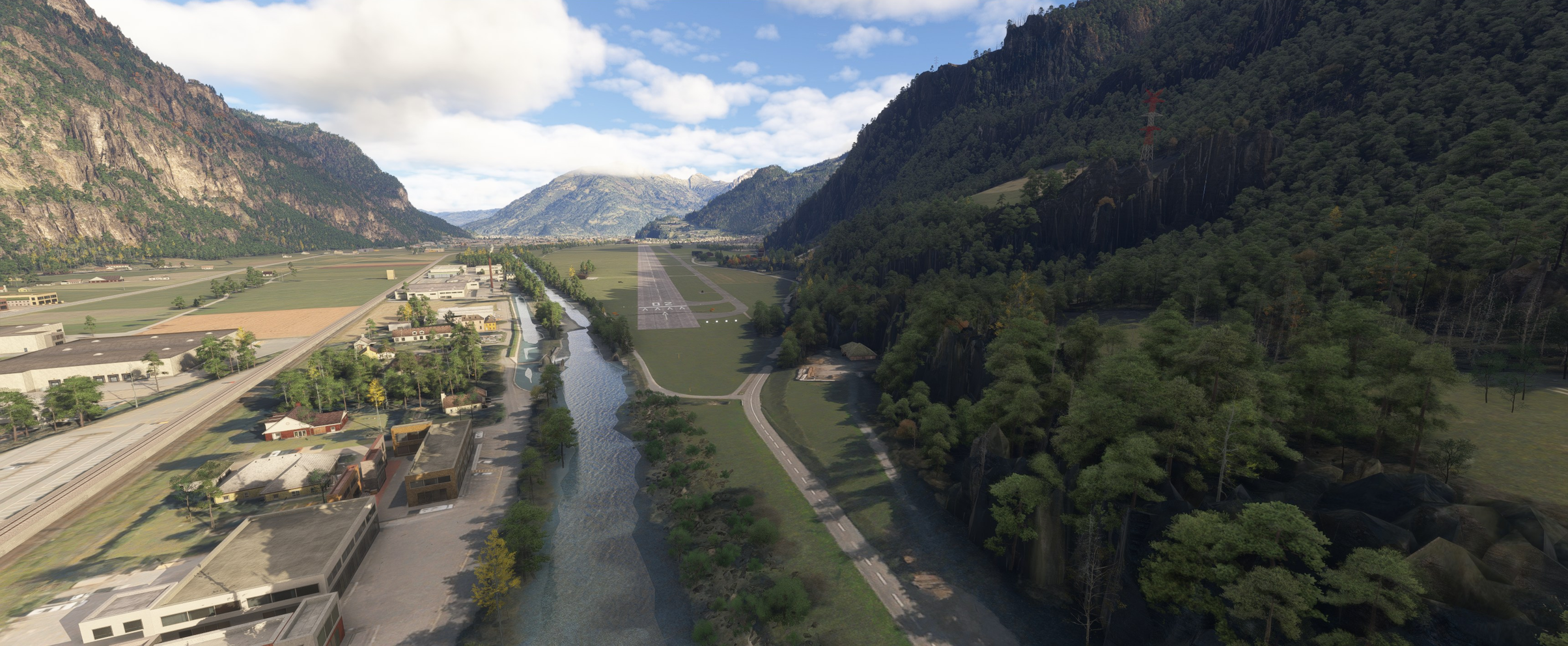
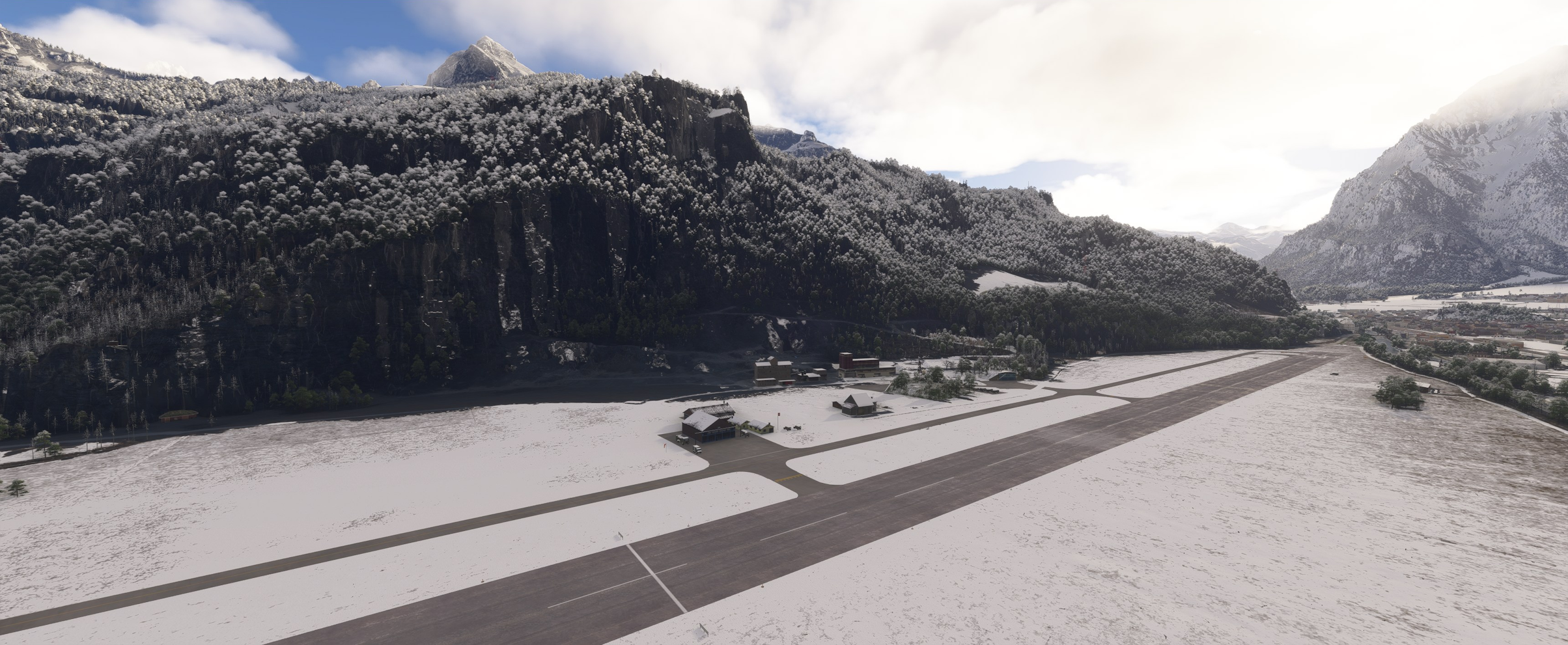
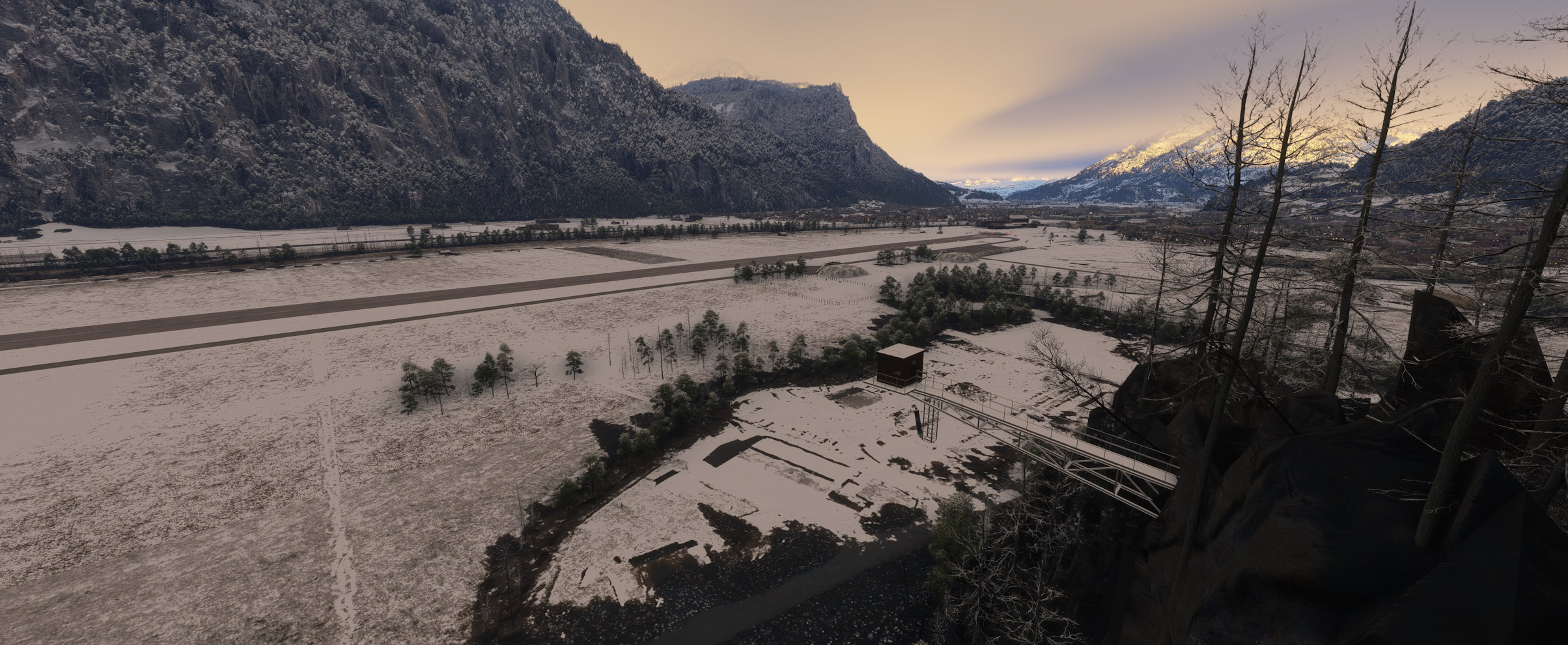
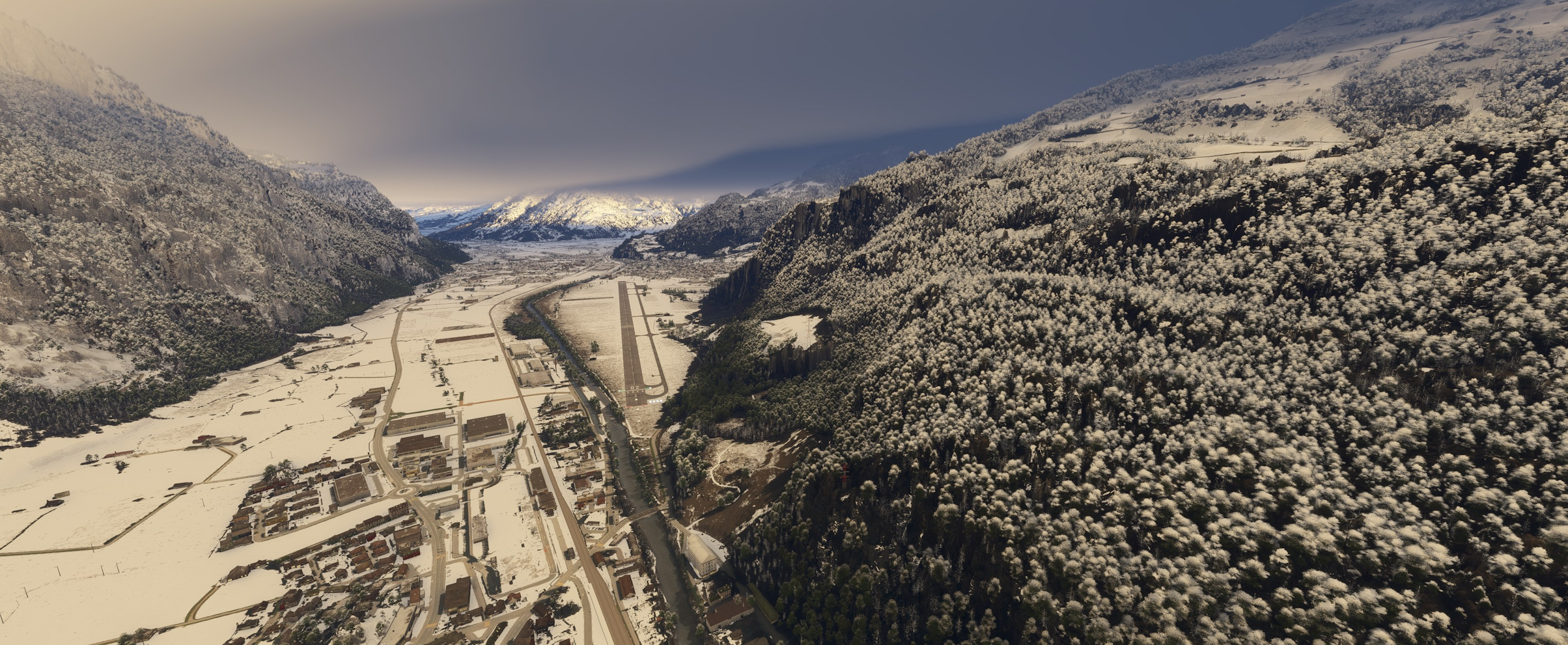
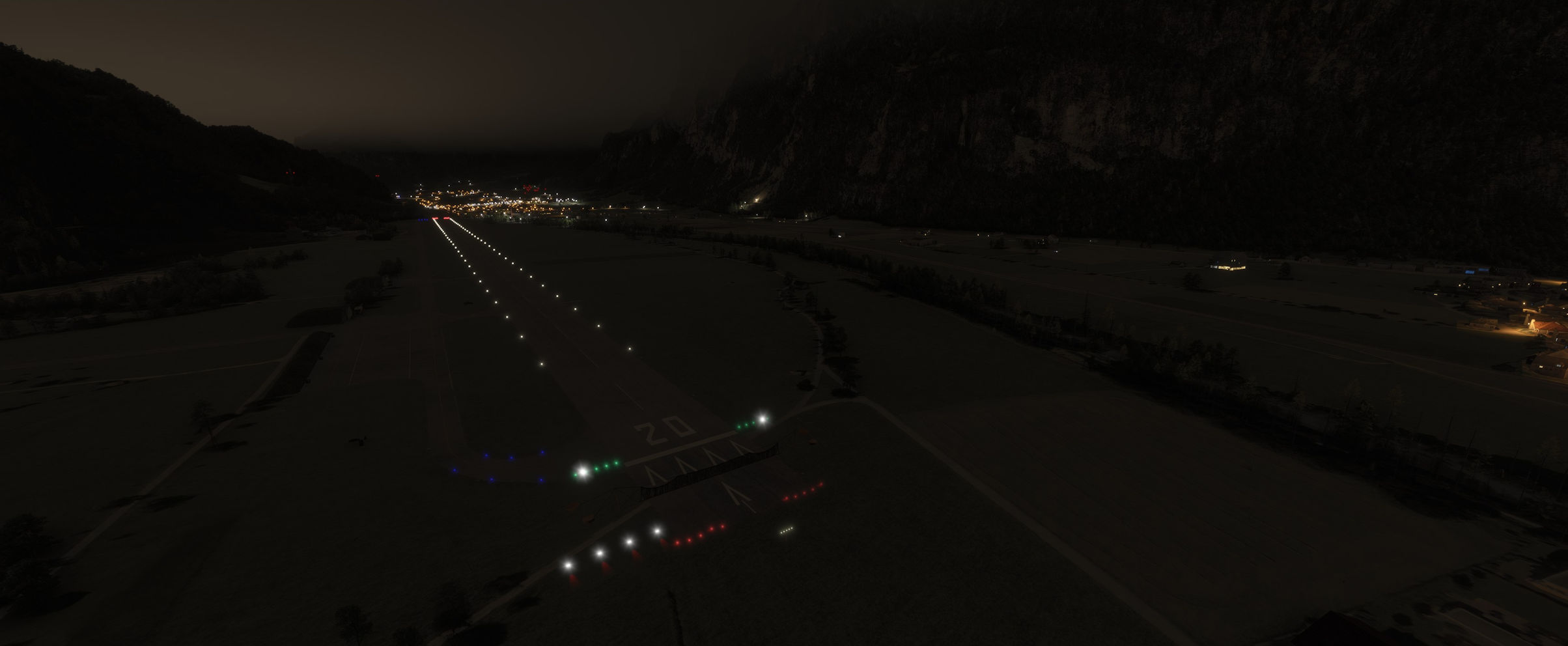
Historical Background: The Mollis & Hunter Era
- The Home of Fl St 20: Historically, Mollis was deeply tied to the Swiss Air Force’s Fliegerstaffel 20 (Fl Kp 20), which was stationed at the airfield for an incredible 60 years (1939–1999).
- The Golden Era of the Hunter: Following the introduction of jets in the late 1950s (DH-112 Venom), Mollis transitioned to the iconic Hawker Hunter in 1979. Throughout the 1980s, regular refresher courses (Wiederholungskurs / WK) brought intensive military jet activity to the valley, cementing the airfield’s legendary status among aviation enthusiasts.
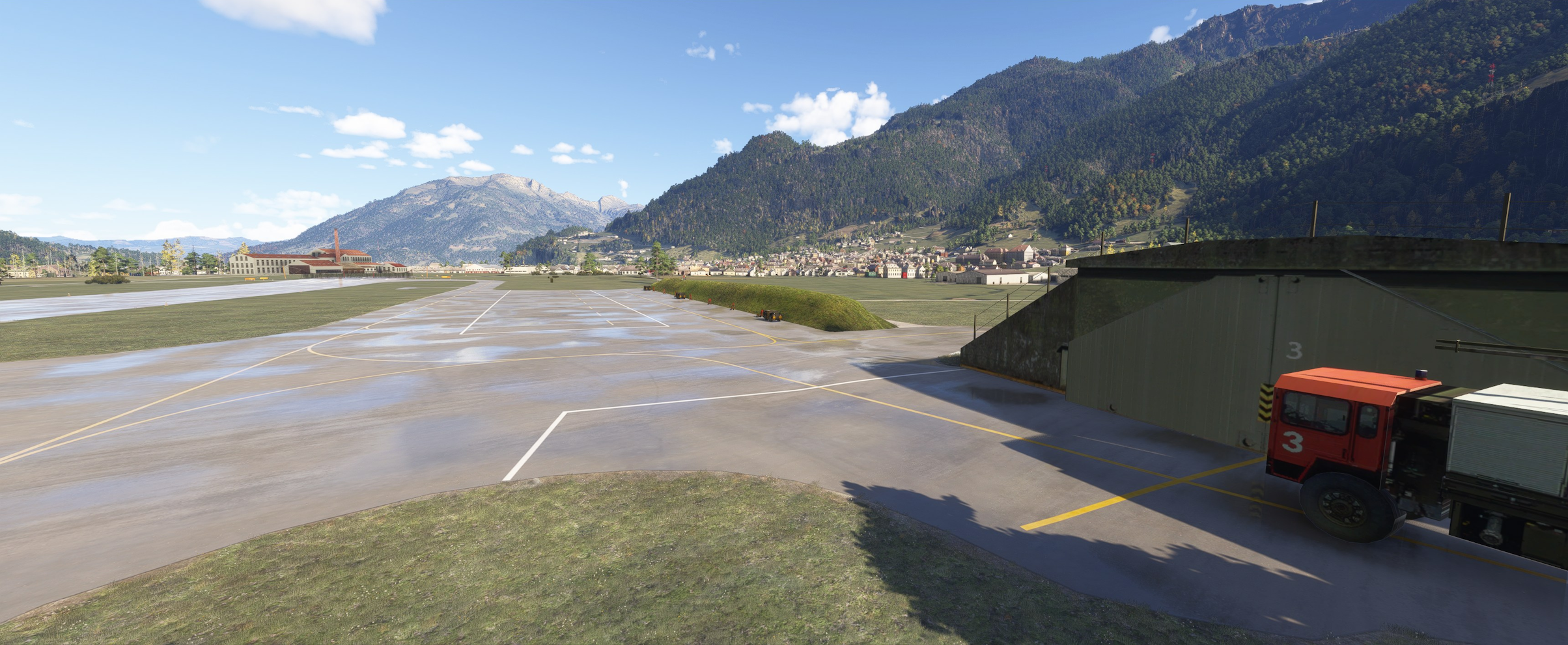
- Cold War Time Capsule: This add-on acts as a historical time capsule, faithfully replicating the specific military layout, ground markings, and atmosphere of the mid-1980s when the sound of Rolls-Royce Avon engines echoed regularly off the surrounding mountains.
⚠️ Compatibility Notice
- Incompatible with AG Sim LSZM: This historical scenery is not compatible with the current/modern Mollis scenery produced by AG Sim. Please ensure the AG Sim Mollis add-on is disabled or removed from your
Communityfolder prior to loading this scenery to avoid overlapping objects, terrain conflicts, and texture issues.
Key Features
- Mid-1980s Historical Accuracy: Period-correct airfield layout, ground markings, and military infrastructure reflecting the 1980s Cold War operational state.
- Dynamic Arresting Nets: Features functional arresting nets (Fangnetze) that automatically raise or lower based on the prevailing wind direction.
- Alpine Military Ambience: Authentic placement of hardened aircraft shelters, revetments, and base support facilities typical of Swiss Air Force redoubt bases.
- Flight Planning Integration: Dedicated circuit patterns available for Little Navmap (see link below).
Tailored for our Hawker Hunter
While fully compatible with any historical or modern aircraft, this airfield has been specifically designed to complement our Hawker Hunter (available separately via third-party platforms).
Pilots flying the Hunter will find an authentic environment tailored to period-accurate procedures, scrambles, and tactical operations within the narrow Swiss valleys, bringing the complete mid-1980s Mollis experience to life.
Little Navmap Circuit Patterns
To assist with navigation and flying the correct historical patterns, Little Navmap traffic circuit files for Mollis are available separately on Flightsim.to:
Credits & Acknowledgments
- Custom 3D Models: The vast majority of the custom 3D objects and unique architectural assets were developed by unglajo10. Special thanks to him for his invaluable contribution to this project.
- And thanks to Totof33120 for allowing me to integrate some of its 3D assets.
- Dependencies: This scenery relies on the free external asset library (listed in the requirements section below). Please ensure it is installed to render all environmental objects properly.
Dependencies
- Recommended : Animated Human 3D Models Library
InstallationDownload the scenery
- Download the scenery : SwissMilSim Mollis Vintage
- Extract the contents of the downloaded
.ziparchive. - Ensure any other LSZM scenery (such as AG Sim LSZM) is removed or disabled in your
Communityfolder. - Place the main scenery folder into your Microsoft Flight Simulator
Communityfolder. - Verify that all required library dependencies are installed.
- Launch the simulator, search for LSZM, select your parking spot, and set up your flight.
Enjoy your flights in the Swiss Alps!
